The researcher’s field guide · 14 tools / 7 steps
The best AI research assistant for every step of your paper
The best AI-powered research assistant depends on the task in front of you. Start with Elicit or Consensus to find evidence, use a reading assistant to understand it, and keep verified sources in a reference manager. This guide compares 14 tools across seven steps, from your first search to choosing a journal.
By PaperFig Editorial · Reviewed
How we chose these tools & publisher disclosure
These are editorial assessments based on the official product pages and documentation linked below, checked on September 6, 2026. They are not hands-on benchmark results. Strengths and trade-offs are our interpretation of the documented workflows. We include AI assistants alongside conventional research tools, label their roles, and do not assign scores or repeat vendor performance claims. Check current plans and institutional access before choosing.
Publisher disclosure: we make the figure tool included in step 6. All other recommendations use ordinary official links; no affiliate tracking is active.
STEP 01
Literature search: find the evidence
Turn a research question into a shortlist of papers you can inspect.
AI literature search and extraction
Elicit
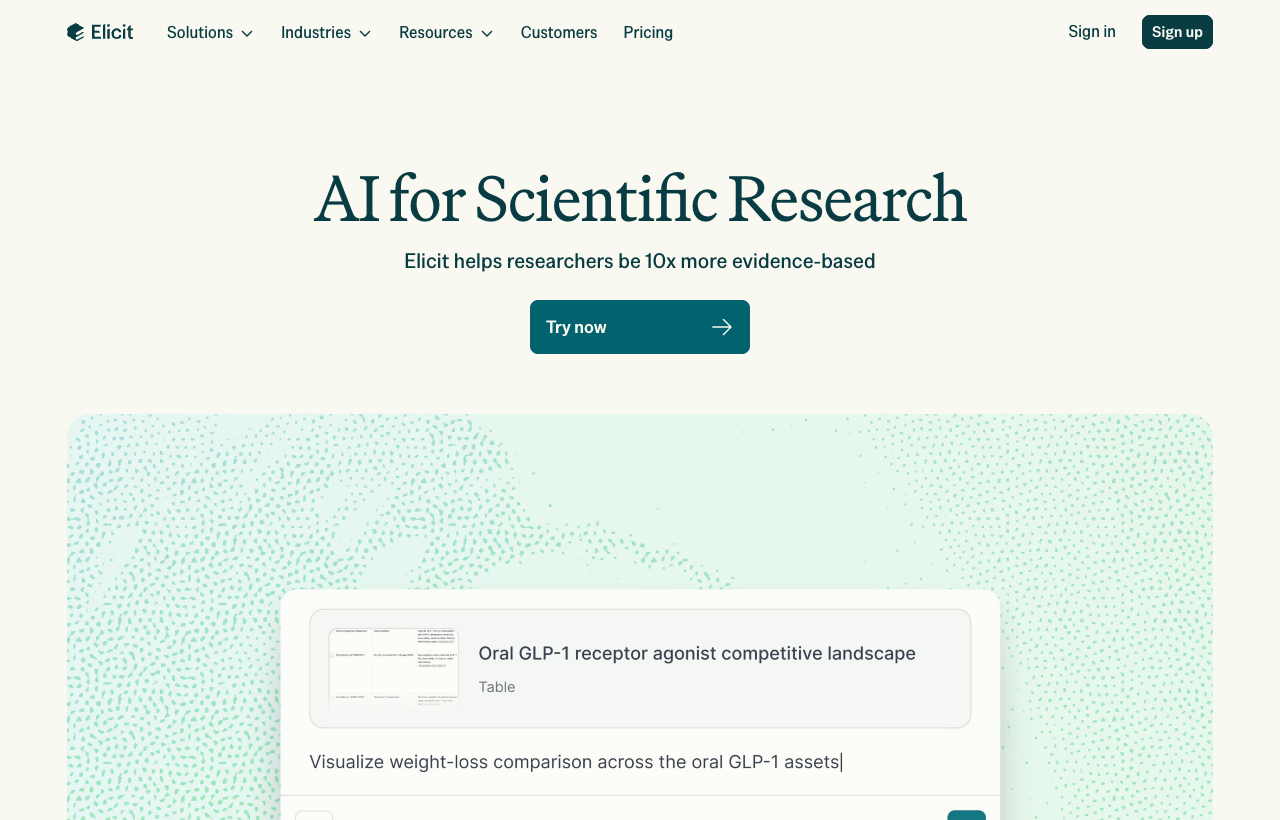
Elicit combines semantic paper search with structured evidence workflows, including screening and data extraction. Its strongest fit is a question that needs comparison across studies: a table can make differences in populations, methods, and outcomes easier to inspect than a single chat answer. The limitation is the work that remains yours. Check extracted values against the paper, document inclusion decisions, and supplement discovery with the databases your review requires. A generated report is a starting point for appraisal, not proof that a search is exhaustive. Choose it when you need to organize evidence for a literature review rather than simply collect links.
Best for: Researchers comparing evidence across multiple studies.
AI academic search and synthesis
Consensus
Consensus searches academic papers and uses AI to summarize and synthesize findings. Its documentation describes matching questions against titles, abstracts, and full text when available. That makes it useful for getting oriented around a focused question and following the answer back to the studies. The trade-off is that a concise synthesis can hide differences in study design or population; inspect the underlying papers before treating findings as agreement. Full text is not available for every result. We would use it to identify promising evidence and refine a question, then move the selected sources into a reference manager for closer reading.
Best for: An initial evidence check on a focused research question.
Before moving on: A shortlist of sources, with the search question and inclusion decisions recorded.
STEP 02
Literature reading: understand the paper
Read methods and limitations, not just the abstract or an AI summary.
AI PDF reading assistant
SciSpace
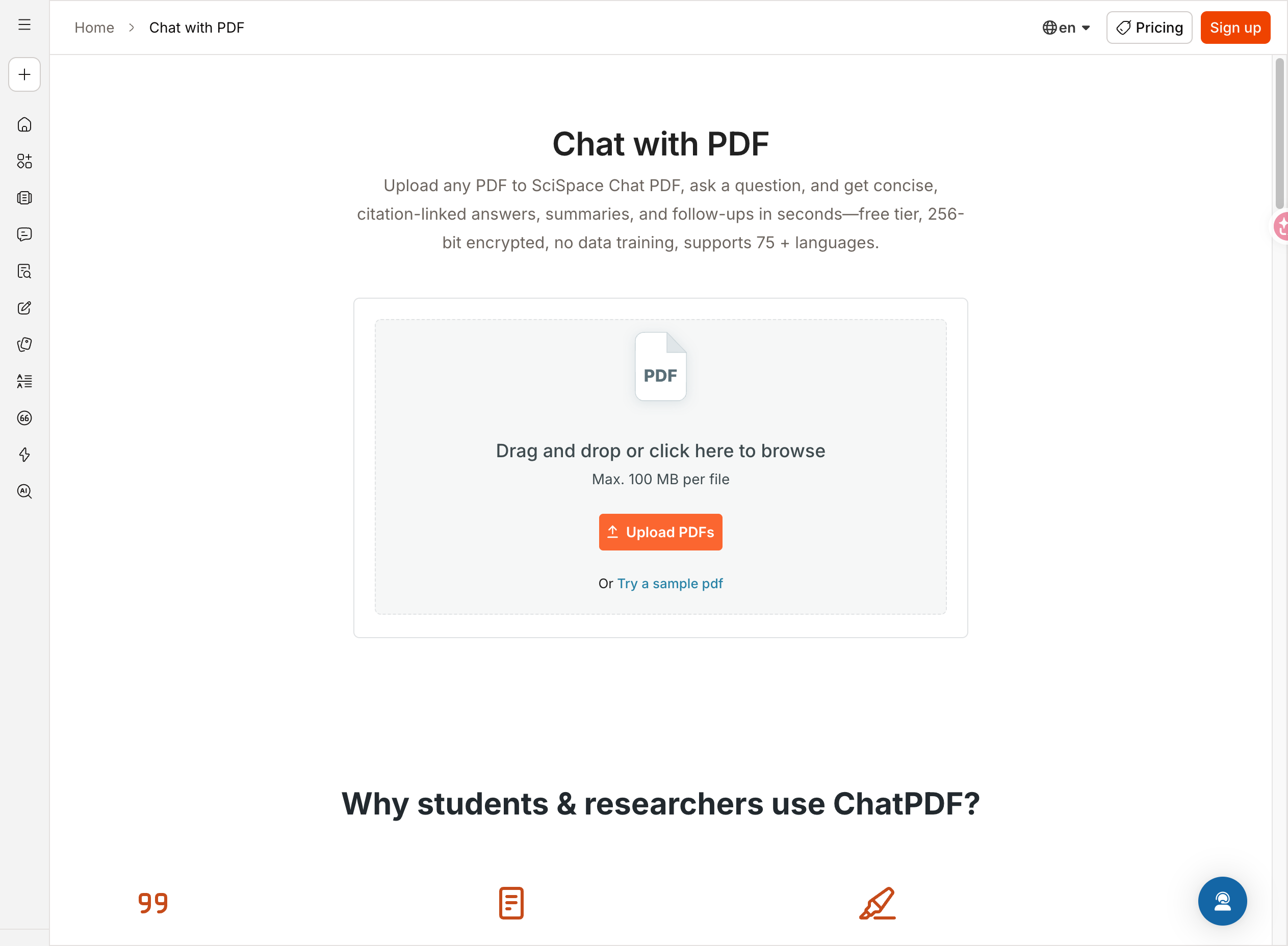
SciSpace Chat PDF lets you ask questions about a document, request section summaries, and get explanations of highlighted text. Its official page describes answers linked to specific sections of the PDF, which gives you a practical route back to the source. This is useful when unfamiliar terminology interrupts a close reading session. The weakness is the temptation to accept an explanation without checking the original: a linked passage still needs interpretation, particularly for equations, tables, and study limitations. Use it beside the paper, ask narrowly scoped questions, and keep your own verified notes. Review current upload and usage limits before building a large workflow around it.
Best for: Readers working through an unfamiliar method or technical passage.
AI summaries and research flashcards
Scholarcy
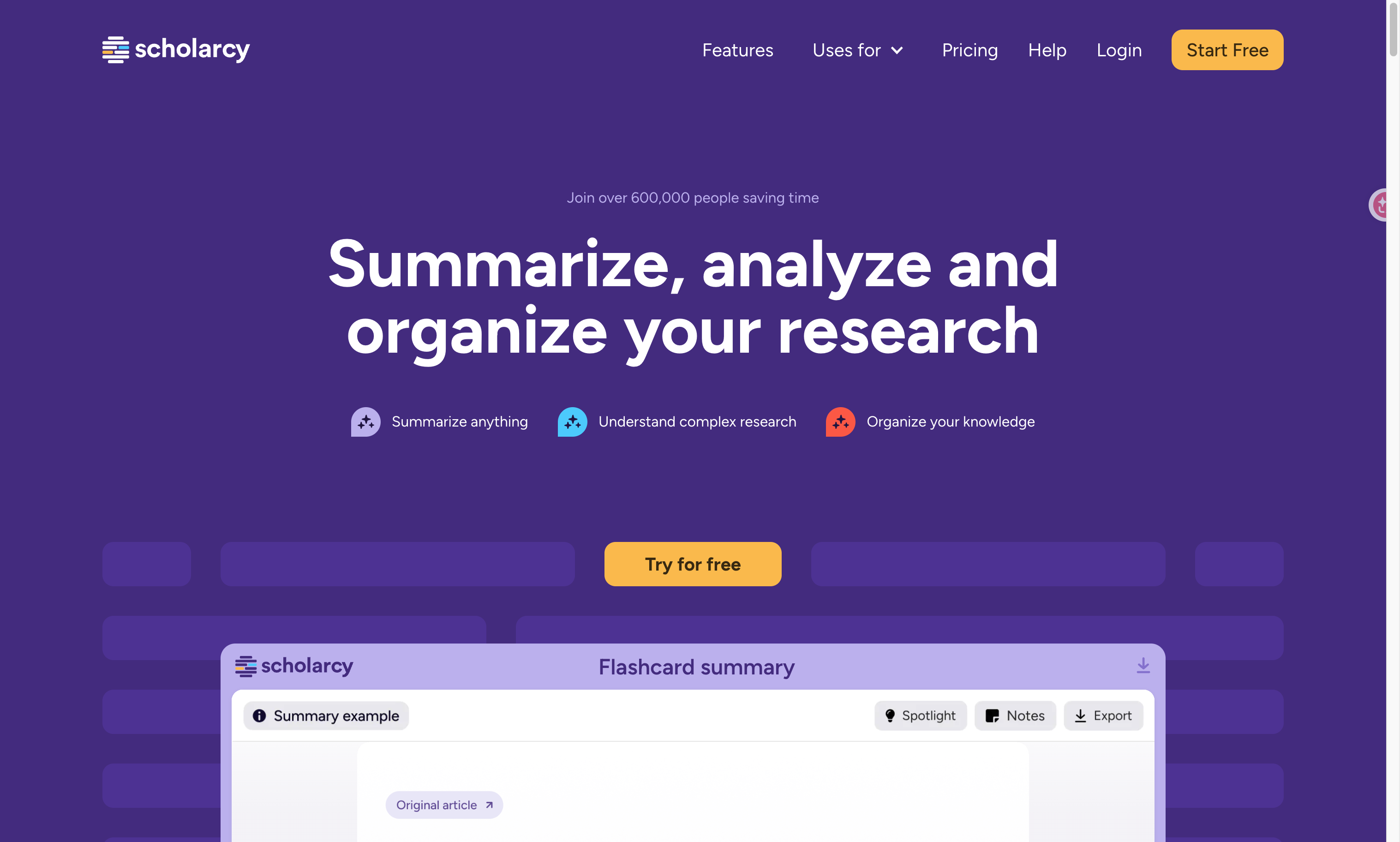
Scholarcy converts long documents into interactive summary flashcards and lets readers highlight, annotate, and organize the resulting material. Its structured format is the advantage: a consistent summary can help you decide what deserves a full reading and refresh your memory before a meeting. The same compression is also its limitation. Details that determine whether a study supports your argument may be lost in a short card, so return to the methods and results before citing. We would choose it for triage and revision rather than final evidence appraisal. Keep a link to the original paper with every saved summary and verify important numerical findings yourself.
Best for: Researchers screening a reading queue or revisiting earlier papers.
Before moving on: A checked note on the question, method, result, and limitation of each paper.
STEP 03
Note organization: connect what you learn
Separate quoted evidence, your interpretation, and unanswered questions.
AI workspace assistant
Notion AI
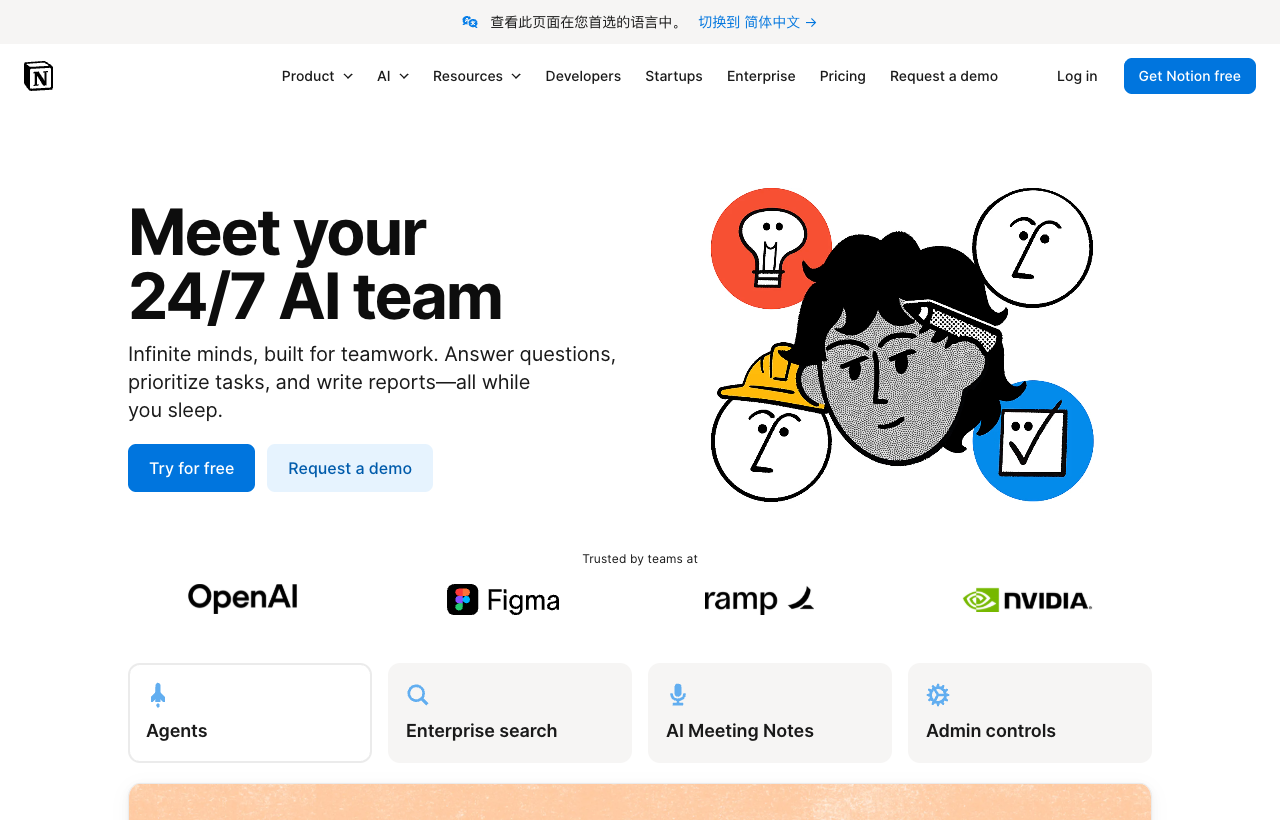
Notion AI brings writing assistance, workspace questions, and AI features into a shared environment of pages and databases. For a research team, the benefit is keeping project notes, reading records, and next actions near the same material rather than scattering them across chats. The trade-off is setup: you still need a clear source field and a distinction between quoted evidence and generated synthesis. A workspace answer is not a validated scholarly citation. AI access also depends on the plan, and the free workspace advertises trial AI capabilities. Choose it when collaboration and project organization are the bottleneck, while retaining a separate reference library for manuscript citations.
Best for: Teams already organizing research projects in Notion.
Local note-taking companion
Obsidian
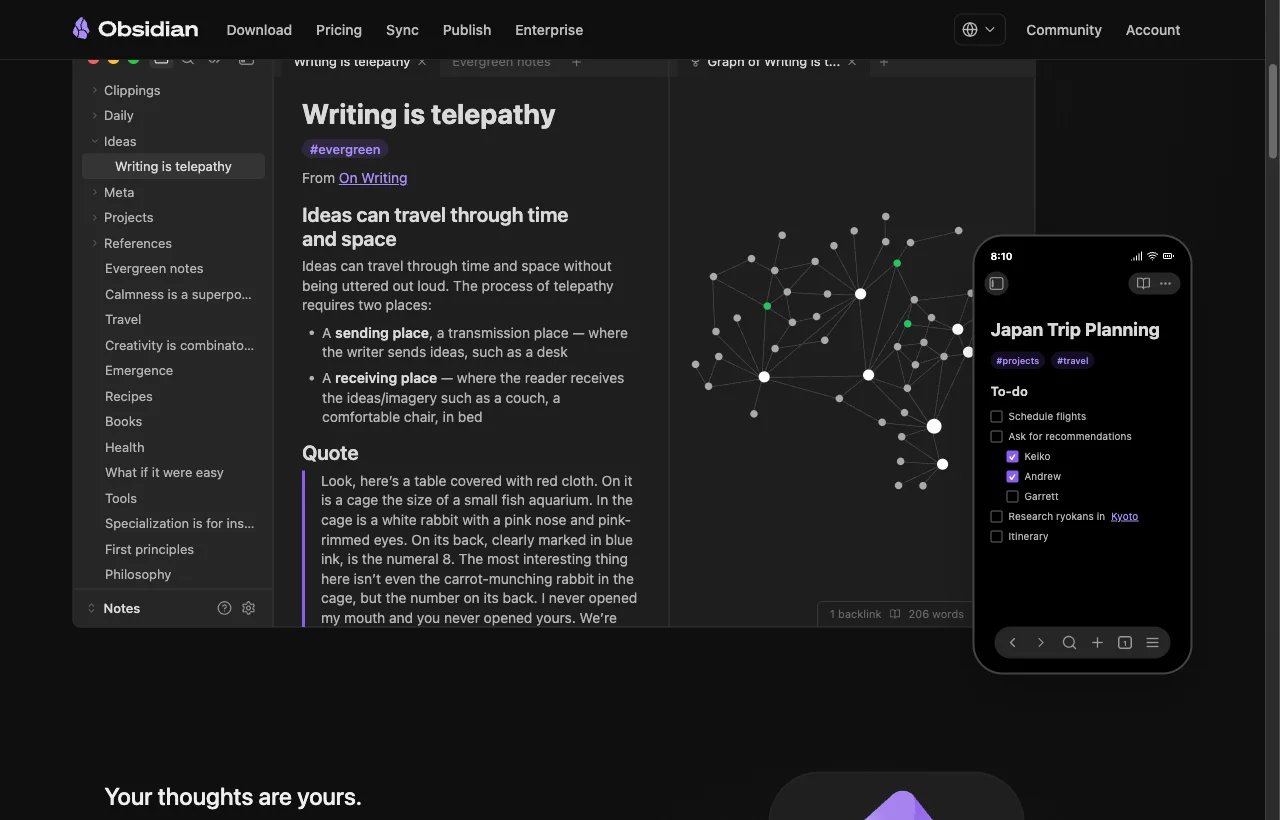
Obsidian stores notes as local files and supports links between ideas, a graph view, and extensions. Its value for research is continuity: you can develop a concept across projects while keeping your own interpretation beside source references. It is a note-taking companion in this guide, not an out-of-the-box AI evidence engine. The drawback is that you must design and maintain the workflow yourself; a graph does not decide which claims are sound. Start with one note per paper and explicit links to concepts instead of installing a large plugin stack. It suits independent researchers who prefer control over their notes and are comfortable organizing them deliberately.
Best for: Researchers who want a personal, connected archive of notes.
Before moving on: An evidence notebook that preserves source links and distinguishes claims from ideas.
STEP 04
Paper writing: make the argument clear
Draft from verified evidence and revise language without changing scientific meaning.
AI academic writing assistant
Paperpal
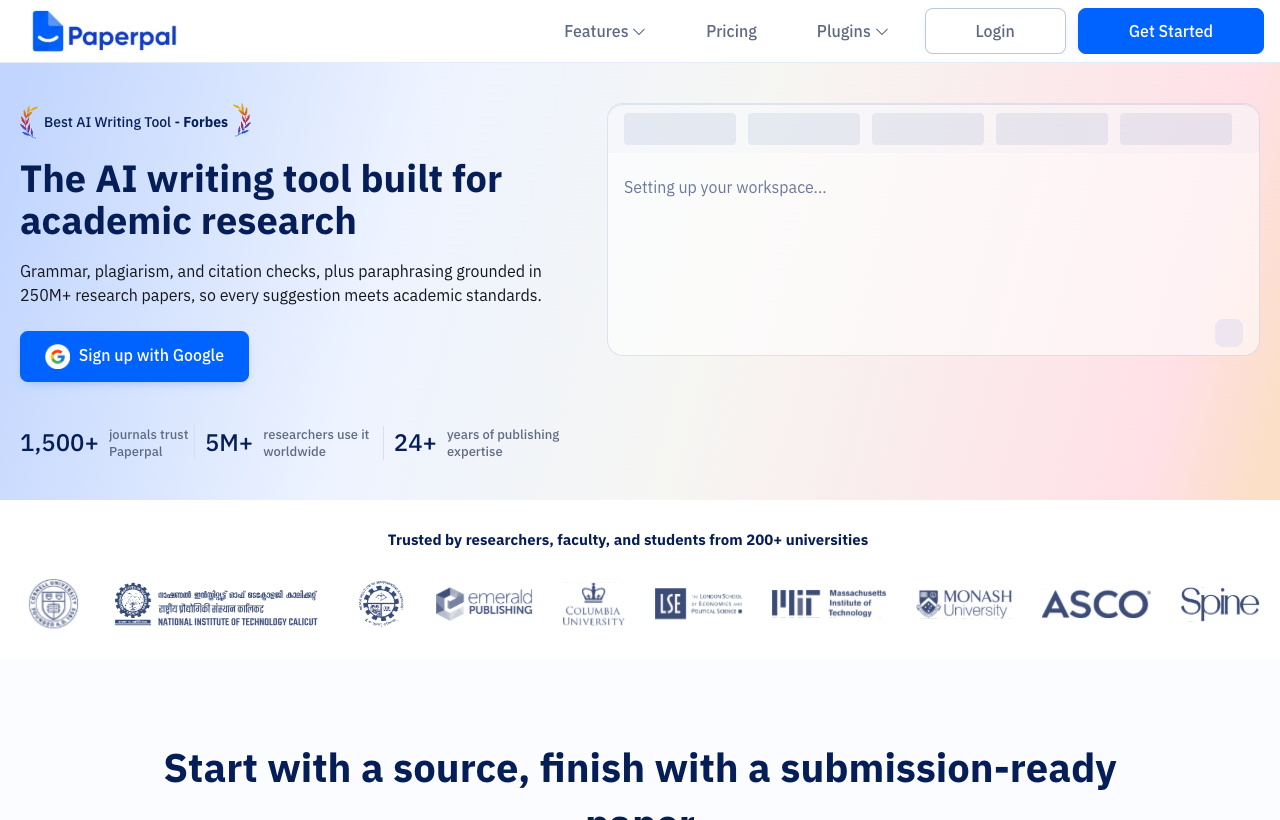
Paperpal offers academic grammar and tone suggestions, paraphrasing, research and citation features, and manuscript checks. Its appeal is bringing several writing tasks into one workspace, especially when language revision slows down an otherwise well-supported argument. The limitation is that fluent wording does not establish scientific validity. Review every rewrite for changes to uncertainty, causality, and technical terms, and open cited sources yourself. Automated checks should inform your revision rather than certify that a manuscript meets every requirement. We would use it after assembling an evidence-based outline, with the author deciding which edits to accept and checking current feature availability before relying on a particular workflow.
Best for: Authors revising academic English and developing a manuscript draft.
AI academic language editing
Writefull
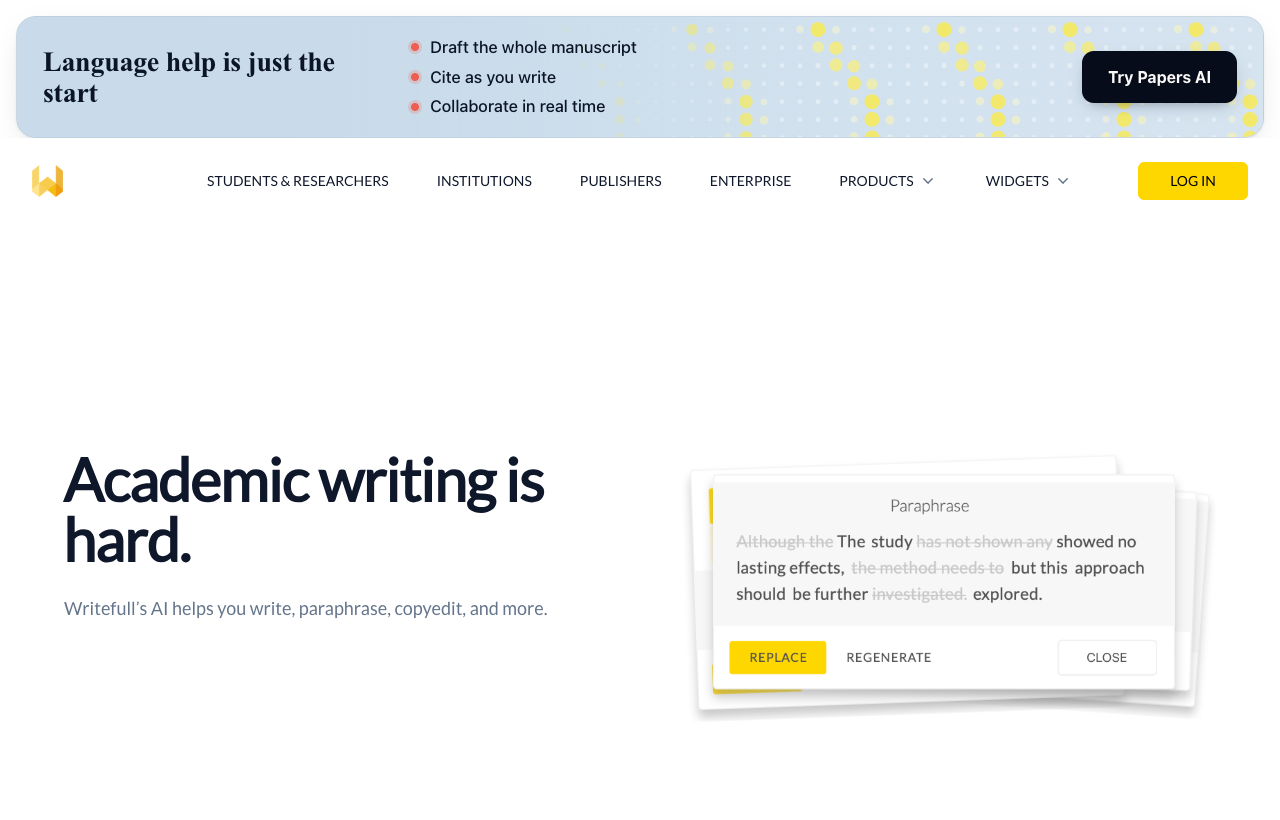
Writefull focuses on academic language feedback and offers integrations for Word and Overleaf, alongside tools for paraphrasing and revising text. Its documented emphasis on research writing is useful when general-purpose grammar suggestions miss the tone of a methods section or abstract. Integration is another advantage: edits can happen where the manuscript already lives. The limitation is scope. Language feedback cannot validate an experiment, repair an unsupported argument, or establish whether a reference supports a claim. Choose it when you already have the scientific content and need clearer English. Review suggested changes to specialist terminology, numerical statements, and cautious language instead of accepting an entire revision automatically.
Best for: Researchers polishing a draft in Word or Overleaf.
Before moving on: A manuscript draft with traceable claims and language edits reviewed by its authors.
STEP 05
Citation management: keep sources traceable
Save real bibliographic records and check metadata before generating references.
Reference management companion
Zotero
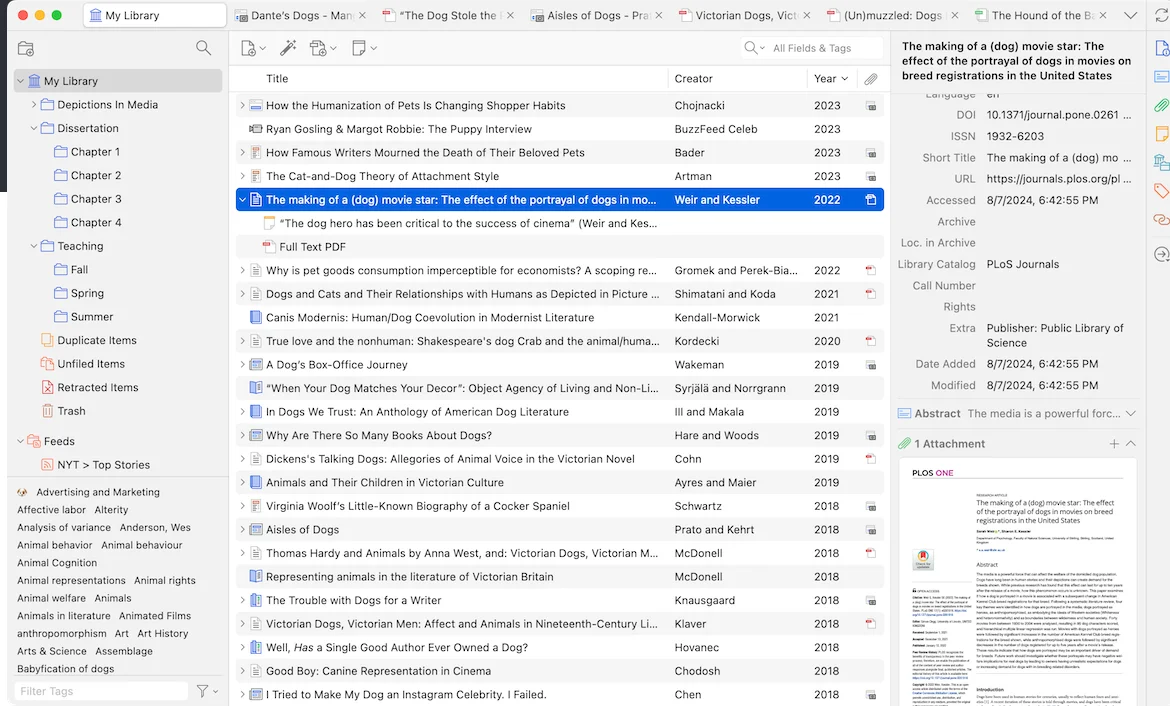
Zotero is a free, open-source reference manager for collecting, organizing, annotating, and citing research. It supports collections, tags, shared libraries, and bibliography integration with Word, LibreOffice, and Google Docs. Its strength is maintaining real source records throughout a project instead of asking a chatbot to invent a reference list at the end. The trade-off is maintenance: imported metadata still needs checking, especially titles, authors, dates, and identifiers. It does not judge whether a paper supports your claim. Choose it as the citation backbone of an AI-assisted workflow, and verify file-sync storage options separately if your library contains many attachments.
Best for: Authors who need a reusable reference library across projects.
Reference management and PDF companion
Mendeley
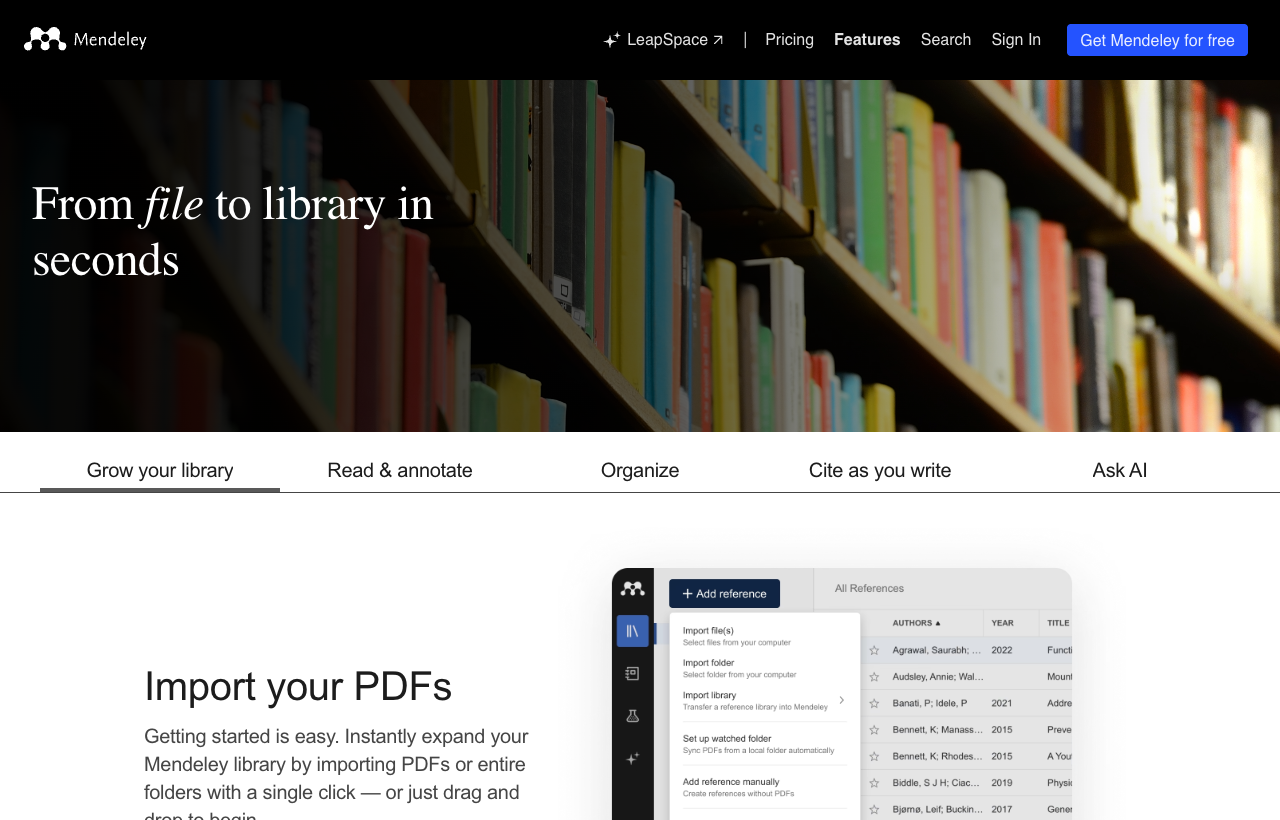
Mendeley combines a reference library with PDF importing, reading and annotation, shared groups, and a citation tool for Microsoft Word. Its official feature page also lists watched folders, which can reduce repeated importing as your PDF collection grows. The advantage is a connected workflow for teams already using these tools. The limitation is that collecting a PDF does not guarantee a clean citation record or a relevant source; check imported metadata and the underlying argument. We would choose it when it fits the co-authors’ existing setup. Before committing a large project, check current storage, collaboration, and editor requirements rather than assuming every feature is unrestricted.
Best for: Word-based teams already sharing a Mendeley reference library.
Before moving on: A reference library and bibliography that match the sources actually used.
STEP 06
Figure creation: explain the science visually
Choose a figure workflow based on the type of illustration and the edits you need.
Scientific illustration editor
BioRender
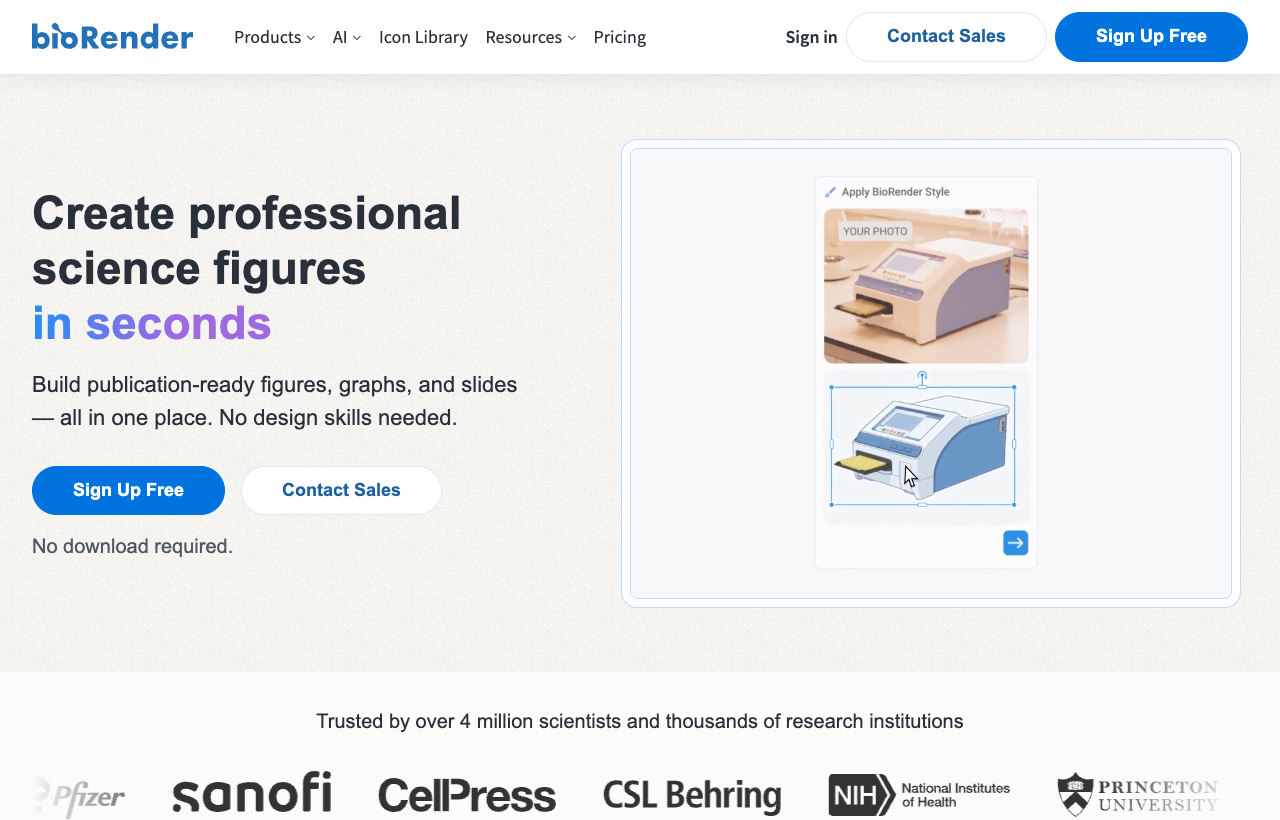
BioRender provides scientific icons and templates for building illustrations, alongside AI-assisted figure features that its site currently labels in part as beta. Its appeal is a visual vocabulary tailored to life-science diagrams, with an editing workflow built around composing scientific elements. The trade-off is that the library and suggested visuals still require scientific judgment: select the correct structures, relationships, and labels for your particular model. We would choose it when direct composition is central to the workflow. Check the current plan, export options, and publication permissions before preparing final artwork, and treat new beta features as capabilities to evaluate rather than guarantees for every diagram.
Best for: Life-science teams composing diagrams from scientific visual elements.
AI scientific figure drafts · our product
PaperFig
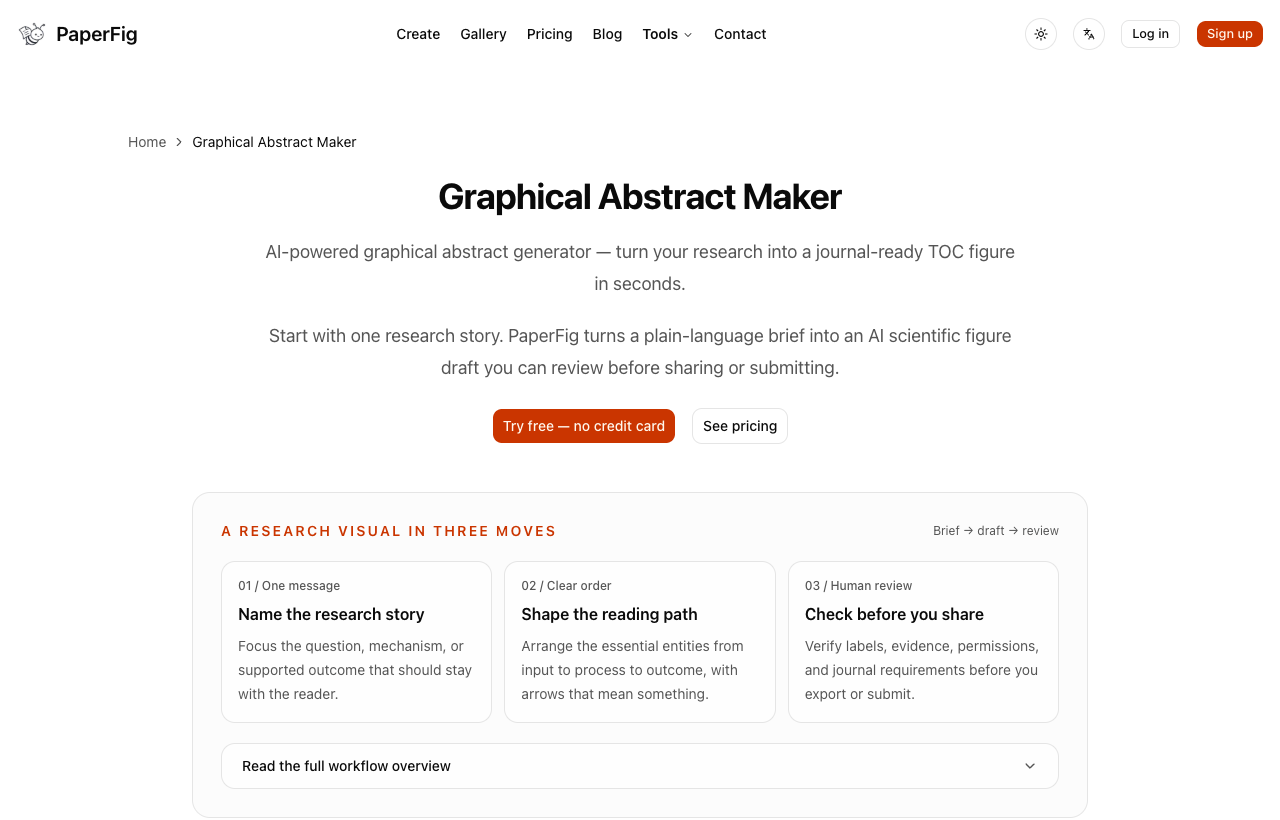
PaperFig turns a research description or reference image into a scientific figure draft. Its strength is helping you explore a mechanism diagram or graphical abstract before manually arranging every element. The limitation matters for downstream editing: editable PPTX preserves detected and corrected labels as editable PowerPoint text boxes, while the main graphic remains a raster image. Standard PDF export wraps that raster image in a PDF. Review the scientific relationships and correct labels before exporting; confirm that this format fits your next editing step. Choose it for an initial visual draft when editable labels are useful and you do not require independent editing of every illustrated shape.
Best for: Researchers starting a mechanism diagram or graphical abstract from a description.
Before moving on: An author-checked figure, accurate labels, and an export suited to its destination.
Planning your visual? Read the graphical abstract guide or explore scientific figure drawing options.
STEP 07
Submission support: shortlist suitable journals
Match the manuscript to a journal, then read that journal’s own author instructions.
Publisher journal-matching tool
Elsevier Journal Finder
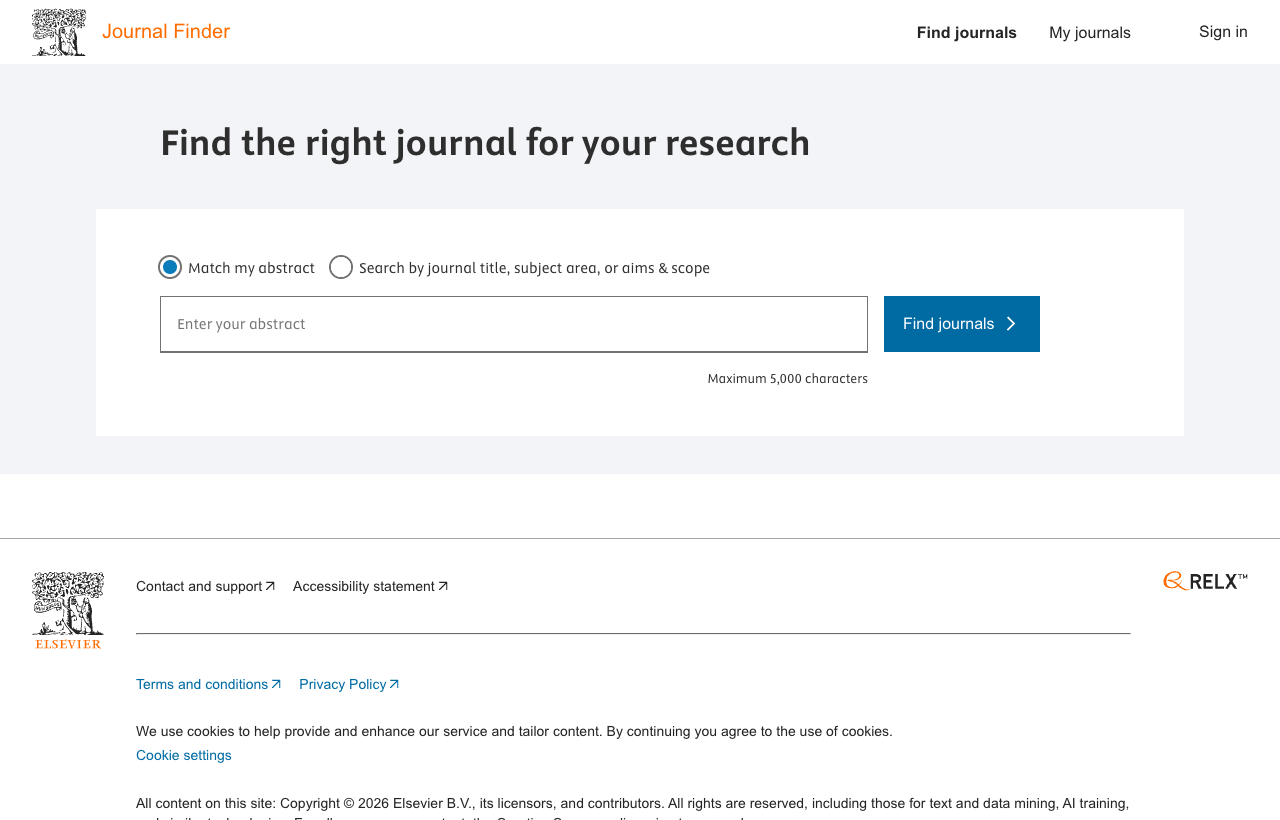
Elsevier Journal Finder matches an abstract to journals using the relevance of previously published articles. Its official support page explains that the recommendations cover Elsevier journals indexed in Scopus. That bounded catalog is useful when you already want to explore this publisher, but it is also the main limitation: the results are not a comparison of every possible venue. Treat the suggestions as a shortlist, then inspect recent articles and the journal’s aims and scope yourself. Check article types, current fees, and author instructions before deciding. A topical match is a discovery aid; it cannot predict an editorial decision or replace your own assessment of fit.
Best for: Authors exploring an Elsevier journal for a developed abstract.
PubMed-based journal matching
JANE
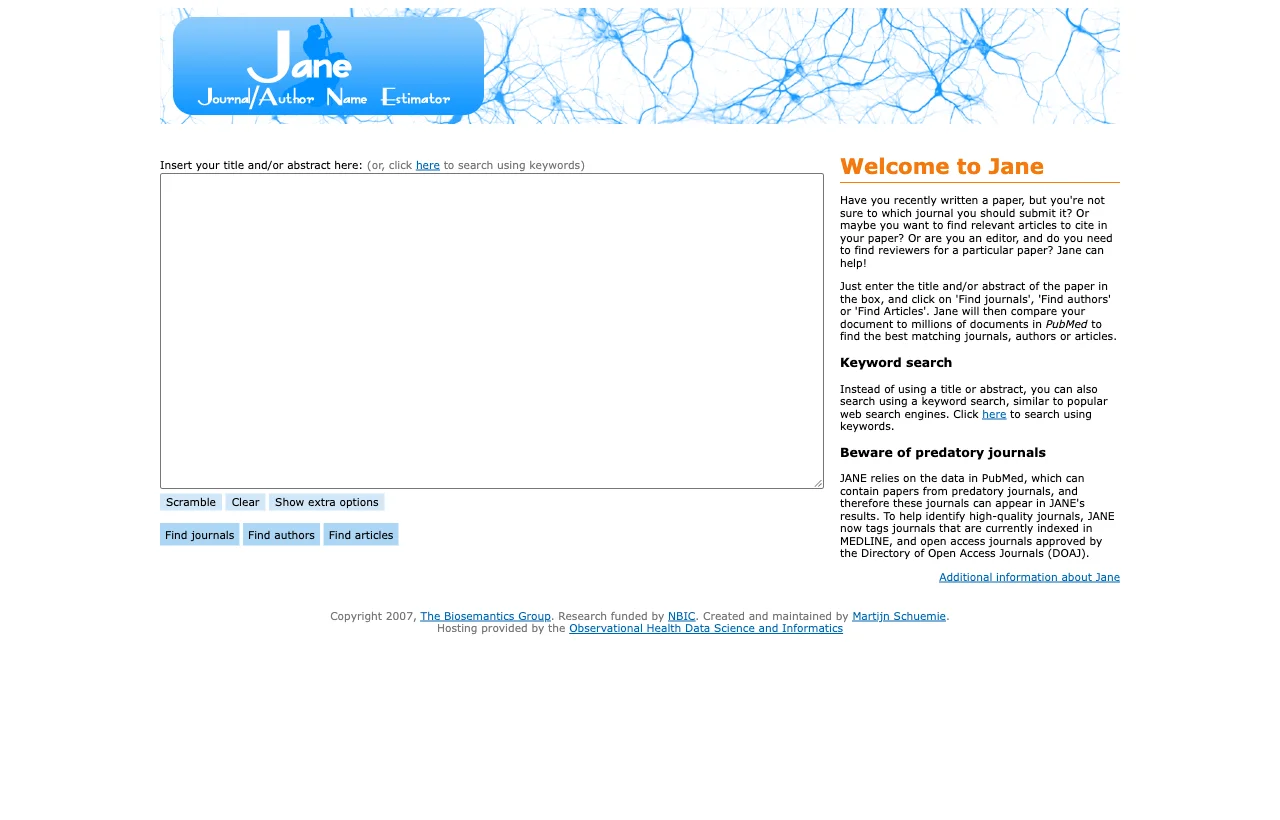
JANE, the Journal / Author Name Estimator, compares a title, abstract, or keywords with documents in PubMed to suggest journals, authors, or articles. Its strength is a straightforward matching workflow for biomedical subjects, without requiring a conversational prompt. Its limitation follows from that source: it is less useful for fields poorly represented in PubMed. JANE also explicitly warns that predatory journals can appear in its results, and provides MEDLINE and DOAJ tags to help evaluation. Use the matches to begin a shortlist, then independently inspect each journal’s scope and policies. It is a journal discovery companion, not an acceptance forecast or a quality guarantee.
Best for: Biomedical authors seeking a journal shortlist across publishers.
Before moving on: A journal shortlist checked for scope, article type, fees, and submission requirements.
For the artwork step, consult the journal figure preparation guides alongside the target journal’s current instructions.
AI research assistant FAQ
Is there a free AI research assistant?
Yes. SciSpace advertises a free tier for Chat PDF, and several academic assistants offer limited free access. Check the current limits before planning a large review. Zotero is a free reference manager and Obsidian is a free note-taking app; these are useful companions but are not the same as an AI literature-search service.
What is the best AI research assistant for a literature review?
For structured search and extraction, start by evaluating Elicit. For a focused question and an initial synthesis of published evidence, evaluate Consensus. The right choice depends on your discipline, source coverage, and required review method. Verify citations and supplement discovery with the databases required by your review protocol.
Can AI read and summarize research papers?
Tools such as SciSpace and Scholarcy can summarize documents and help explain passages. Use the summary to navigate the paper, then check methods, numerical results, and limitations in the original. An explanation can be incomplete even when it links to a real source.
Can AI research assistants generate accurate citations?
Some assistants link answers to real papers, but a real citation may still fail to support the associated claim. Open each source, verify the relevant passage and bibliographic details, and save the checked record in Zotero or Mendeley. Avoid building a bibliography from unverified generated text.